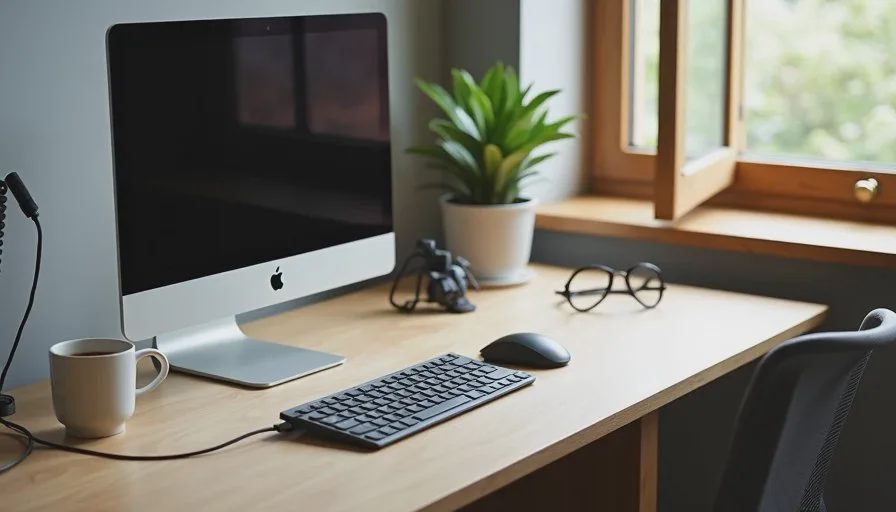
I used to watch people spend a large part of their budget on a new laptop or monitor and then sit down at the same cluttered desk with the same short cable, the same low screen angle, and the same tangled chargers. A week later the new device still felt better on paper, but the daily friction had barely changed. The neck still ached. The phone still ran out of battery mid-afternoon. The laptop still sat flat on the desk at an awkward height.
Small gear often makes a bigger difference than the headline upgrade. A good stand, a reliable charger, a simple cable solution, or a better keyboard can remove low-level irritation that you notice every single day. These are the kinds of accessories I started paying closer attention to after leaving retail and working through long office days myself. They rarely look exciting in a product photo. They simply make the hours feel lighter.
Here are seven desk accessories that consistently improve a normal workday more than another expensive device upgrade.
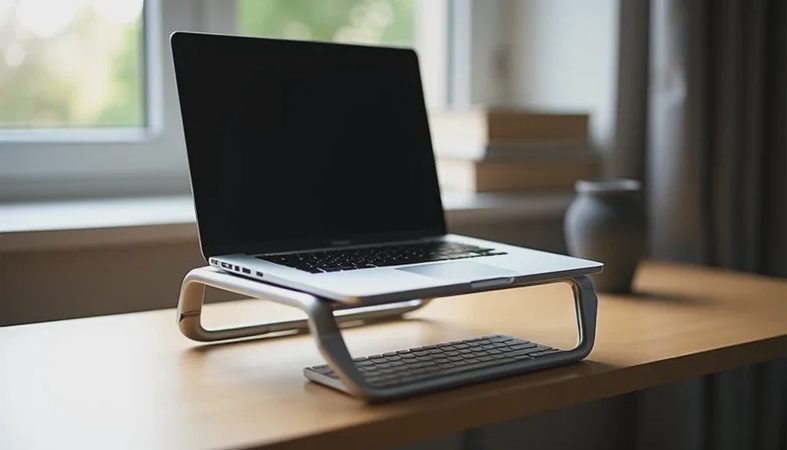
1. A Laptop Stand That Raises the Screen to Eye Level
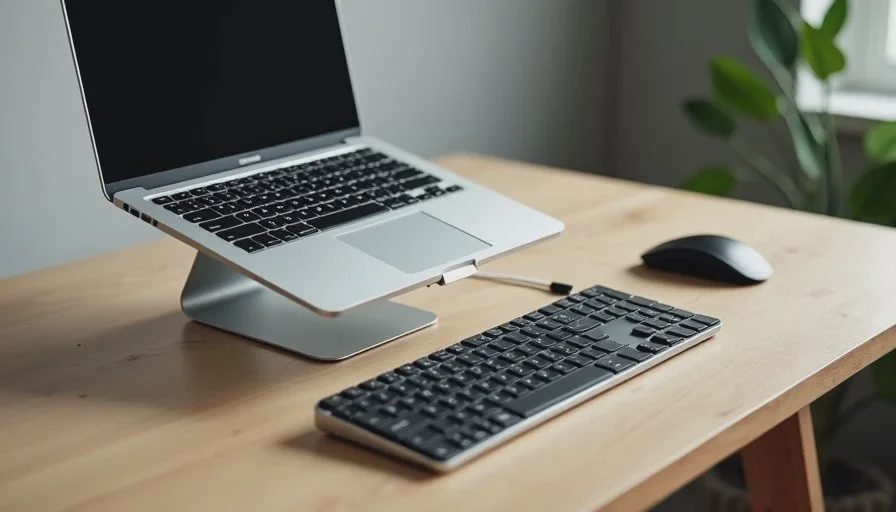
Most people set a laptop flat on the desk. After a few hours the neck and shoulders start to complain. A simple stand that lifts the screen closer to eye level changes posture without requiring a full monitor setup.
I look for stands that are stable, take up limited desk space, and adjust high enough for an average sitting position. Foldable aluminum or sturdy plastic models work well for people who switch between home and office. The difference shows up after the first full day of meetings and email. Your neck notices before your brain does.
Avoid stands that wobble or force the laptop into a steep angle that makes the keyboard unusable. If you type on the laptop itself, pair the stand with an external keyboard so the screen can sit higher while your hands stay comfortable.
2. One Reliable Charger That Handles Laptop and Phone
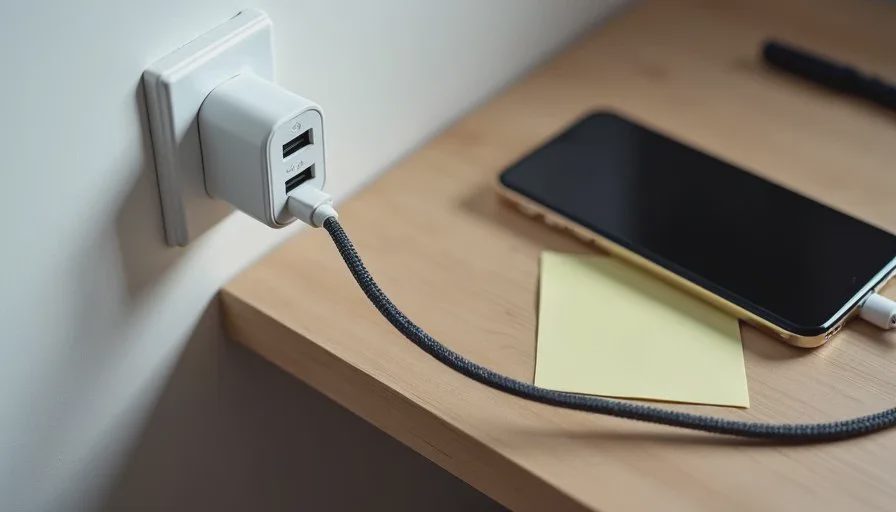
Carrying separate chargers for every device creates daily clutter and the constant risk of leaving one behind. A single compact charger that can power a laptop and top up a phone at the same time removes a surprising amount of friction.
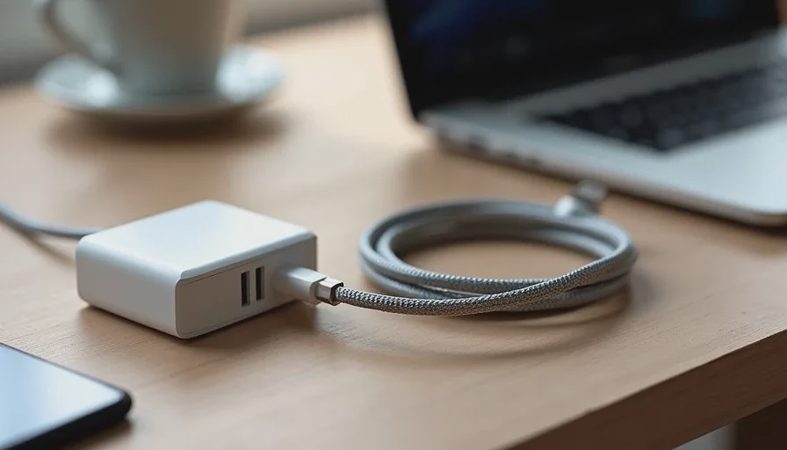
Look for a charger with enough wattage for your laptop and at least one extra port for the phone. Cable length matters more than most people expect. A short cable forces the laptop into an awkward spot near the outlet. A cable that reaches comfortably across a normal desk makes the whole setup calmer.
In retail I saw people buy the cheapest single-port charger and then complain later about constantly swapping plugs. Spending a little more on one solid multi-port charger usually pays off in fewer daily interruptions.
3. An External Keyboard You Can Actually Type On for Hours
Laptop keyboards vary widely in feel. Some are fine for short sessions and tiring for long ones. An external keyboard lets you keep the laptop screen at a better height while giving your hands a more consistent surface.
I prefer keyboards with enough travel to feel responsive without being loud. Low-profile models work well in shared spaces. The goal is not mechanical drama. The goal is a keyboard that still feels fine at 4 p.m. after a full day of documents and messages.
Try before you buy if possible. Comfort is personal, and a keyboard that looks clean online can feel mushy or cramped once you type on it for real.
4. A Simple Monitor Arm or Basic External Monitor
If you already have a second screen or are considering one, a basic arm that clamps to the desk frees surface space and lets you position the display at a better height and distance. Even a single external monitor paired with a laptop stand can reduce the constant looking down that comes with a flat laptop.
You do not need the most expensive panel. A clear, bright enough screen at the right height improves posture and makes switching between documents less tiring. Many people notice the difference within the first week.
5. Cable Management That Actually Stays in Place
Loose cables create visual noise and the daily annoyance of pulling the wrong one. Simple clips, a cable sleeve, or an under-desk tray keep power and data cables from sliding around.
This is one of the cheapest upgrades on the list and one of the most immediately visible. A desk that looks calmer often feels calmer. I started using basic adhesive clips and a short cable sleeve after getting tired of the same tangle every morning. The change took less than ten minutes and removed a small irritation I had stopped noticing until it was gone.
6. A Desk Mat or Large Mouse Pad With Enough Space
A good desk mat gives your mouse a consistent surface, protects the desk, and creates a defined work zone. It also keeps small items from sliding around.
Choose a size that fits your actual desk without hanging over the edge. A smooth surface that does not pill or curl after a few weeks is more important than elaborate designs. This is a quiet upgrade that makes the whole desk feel more intentional.
7. A Power Bank You Will Actually Carry
Battery anxiety is real when meetings run long or outlets are scarce. A compact power bank that can top up a phone and, in some cases, give a laptop a short boost removes that low-level worry.
Look for one that is light enough to keep in a bag without becoming the item you leave at home. Capacity matters, but so does size. The best power bank is the one that ends up in your bag on ordinary days, not the highest-capacity model that stays on a shelf.
Why These Small Changes Add Up
A new laptop or monitor can feel like progress. In daily use, the accessories that fix posture, reduce cable clutter, keep devices charged, and make typing more comfortable often deliver more noticeable improvement. They cost less, create less decision fatigue, and start working the same day you set them up.
I still evaluate new devices the same way I did in retail and the same way I do in my own office: Does this make the ordinary hours easier, or does it just look better on paper? The seven items above consistently pass that test for people whose work lives inside email, documents, and video calls.
You do not need to buy all seven at once. Start with the friction you notice most. If your neck complains, begin with a stand. If cables drive you crazy, fix those first. If battery anxiety follows you between rooms, solve the charging problem. Small, targeted changes usually beat one expensive upgrade that leaves the rest of the desk unchanged.
A good device should make your day easier, not louder. The same rule applies to the accessories that surround it. Choose the ones you will still appreciate after the novelty wears off. Those are the upgrades that actually improve a workday.

No comments yet.